Lesson Plan: Using Illustrations to Describe Characters, Settings, and Events
Grade Level: Grade 1
Subject: English Language Arts
Duration: 60 minutes
1. Learning Objectives
By the end of this lesson, students will be able to:
- Use details from illustrations to describe characters, settings, or events in a story.
- Support their descriptions with at least two details from the text or picture.
- Draw or label a simple illustration that matches their written descriptions.
2. Standards Alignment
Common Core State Standards (CCSS) “English Language Arts
- CCSS.ELA-LITERACY.RL.1.7: Use illustrations and details in a story to describe its characters, setting, or events.
3. Materials & Resources
- Anchor chart paper & markers
- A big-picture storybook with rich illustrations (e.g., The Snowy Day by Ezra Jack Keats)
- Student whiteboards & dry-erase markers
- Practice Worksheet
- Assessment Worksheet
- Pencils, crayons
4. Lesson Components & Timeline
|
Time |
Activity |
Description |
|
0-10 min |
Warm-up/Introduction |
-Display a familiar picture; ask students, “Who, what, where?” -Record answers on anchor chart. |
|
10-25 min |
Lesson Proper/Modeling |
-Read aloud selected pages of the storybook. -Think-aloud: “I see Peter wearing a red jacket. He looks cold. That tells me it’s winter.” -Add key details to the anchor chart under the headings “Characters,” “Setting,” and “Events.” |
|
25-40 min |
Guided Practice (Worksheet A) |
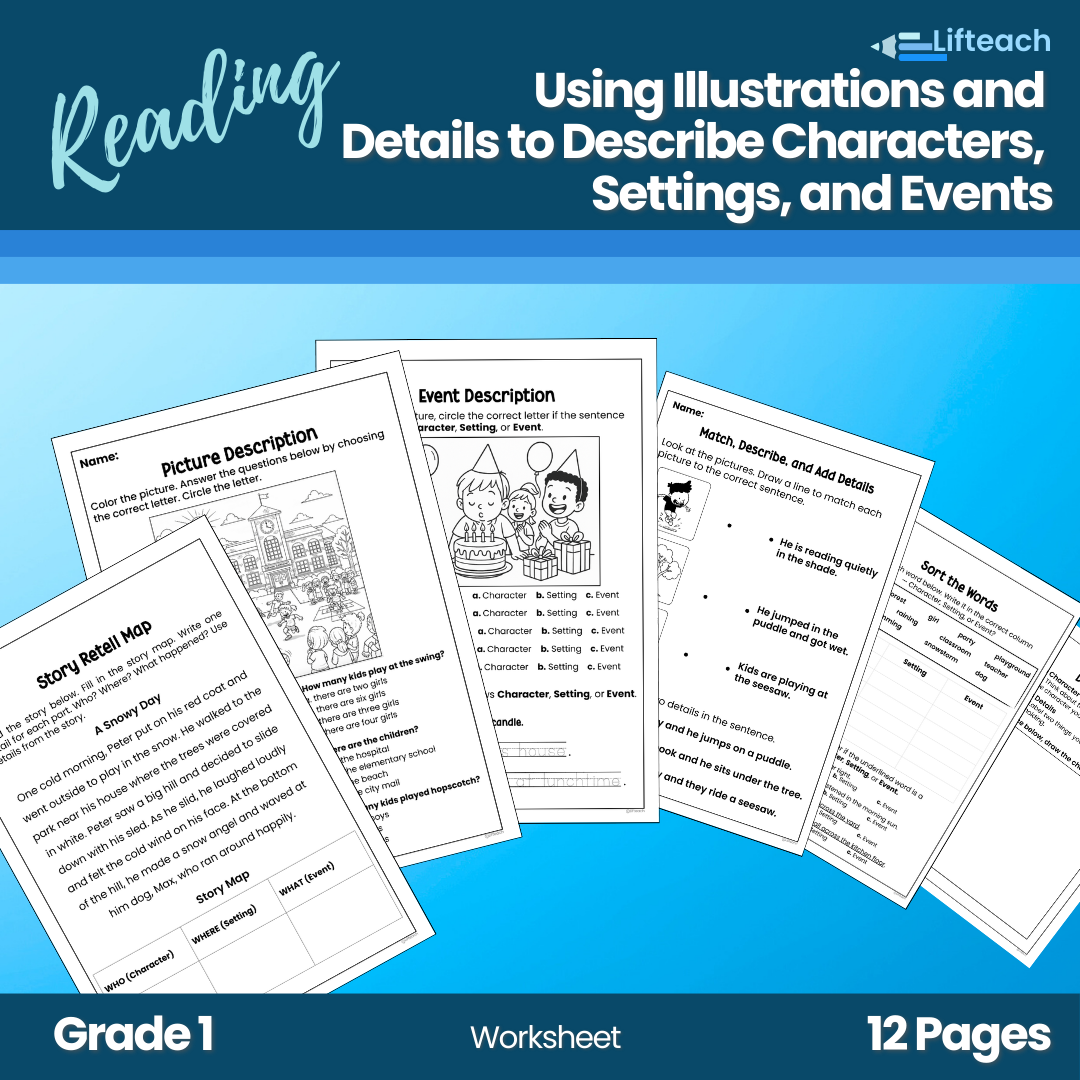
–Story Retell Map: Read the story below. Fill in the story map. Write one detail for each part. Who? Where? What happened? Use details from the story. –Picture Description: Color the picture. Answer the questions below by choosing the correct letter. Circle the letter. –Setting Match: -Match the picture to the setting. -Use the icon to complete the sentence. |
|
40-50 min |
Independent Practice (Worksheet 1-8) |
–Event description: -Look at the picture, and circle the correct letter if the sentence describes a character, setting, or event. -Trace the sentences that show character, setting, or event. –Match, Describe, and Add Details: -Draw a line to match each picture to the correct sentence. -Underline the two details in a sentence. |
|
50-55 min |
Assessment (Worksheet B) |
–Test: Sort the words. Read the words and sort them in the column if it’s Character, Setting, or Event. –Quick exit-ticket style: Draw and label the character and two details. |
|
55-60 min |
Review & Closing |
-Volunteers share their exit tickets. – Revisit anchor chart; praise use of details. |
5. Instructional Strategies
- Think-Aloud: Model how to notice and verbalize salient illustration details.
- Interactive Anchor Chart: Build a shared reference for vocabulary and examples.
- Partner Talk: Students discuss their observations before writing.
- Visual Supports: Sentence frames (I see ___ on the ___).
- Hands-On Activities: Coloring, matching, and completing the sentence.
6. Assessment Methods
- Formative: Observations during guided practice; checklists for partner talk.
- Worksheet A (Guided Practice): Teacher review for two correct details.
- Worksheet B (Exit Ticket): Rubric (3-point): 3 = Student cites two accurate details and writes a clear sentence. 2 = The student cites one detail or writes an incomplete sentence. 1 = Student attempts but lacks accurate detail.
7. Differentiation
- Struggling Learners:
–Provide a word bank and sentence frame.
-Pair with a buddy who can read the picture.
- Advanced Learners:
-Challenge them to write three-sentence descriptions.
-Ask them to compare two illustrations (e.g., How is this setting different from the last?).
- English Language Learners (ELLs):
-Use bilingual labels and picture dictionaries.
-Allow responses in the first language and then translate.
Introduction Video
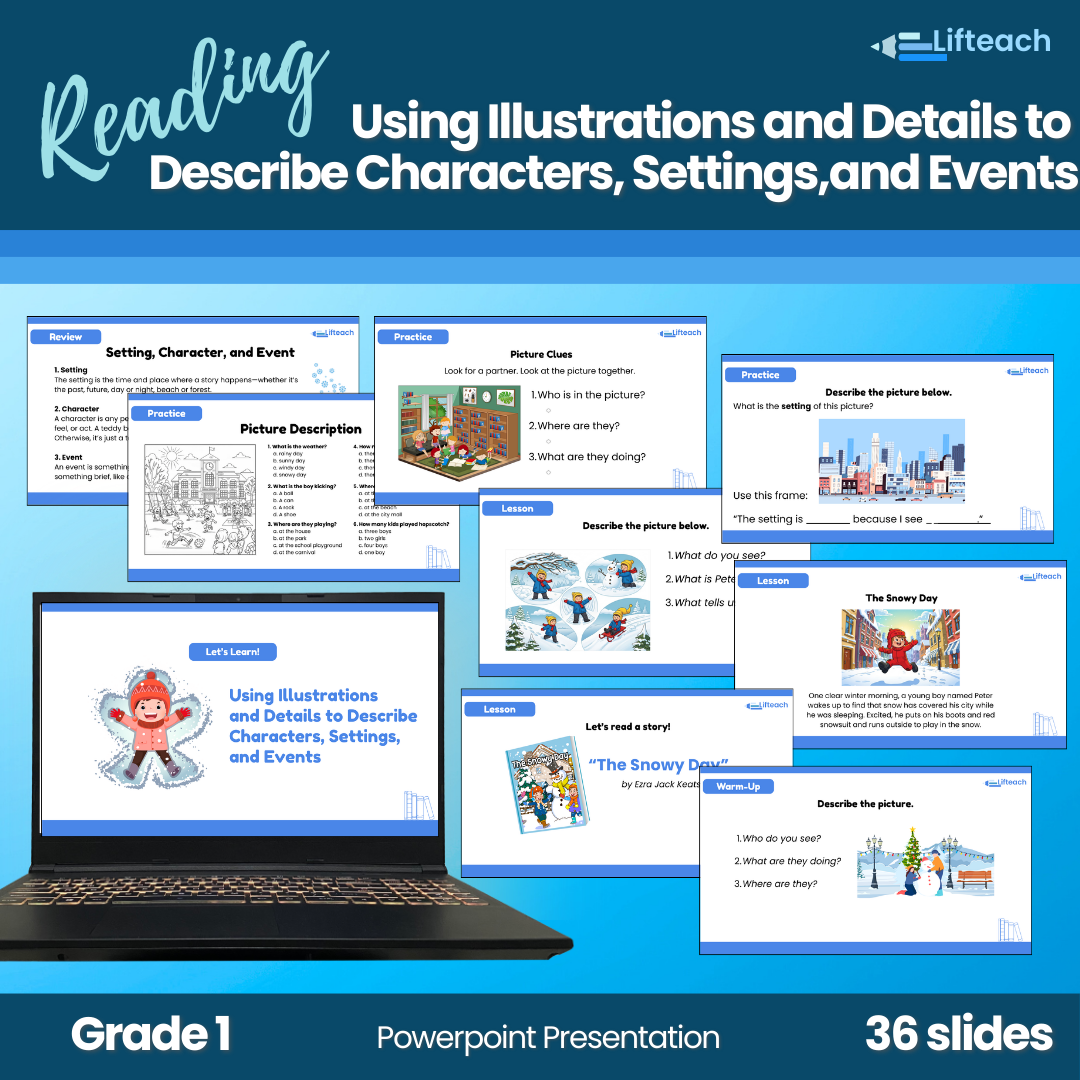
PowerPoint Lesson